
Live screenshots

Mobile Reports — What I'm About to Improve

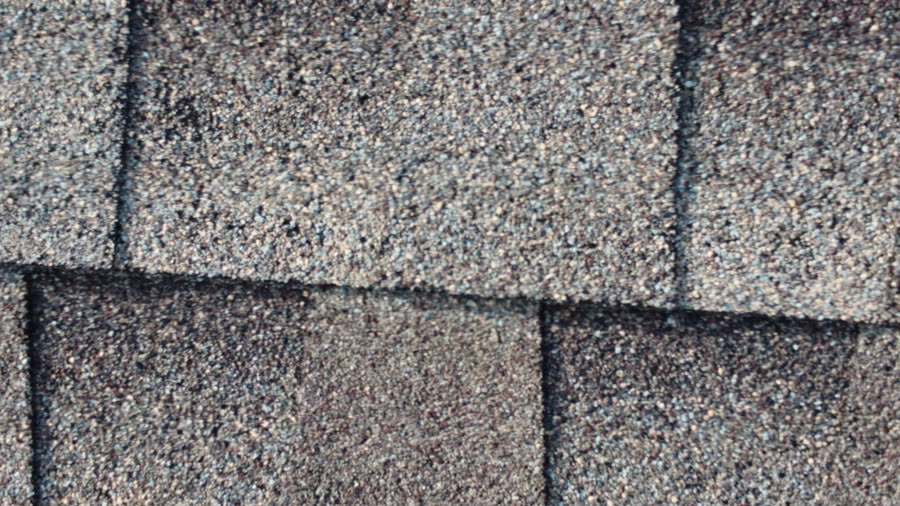
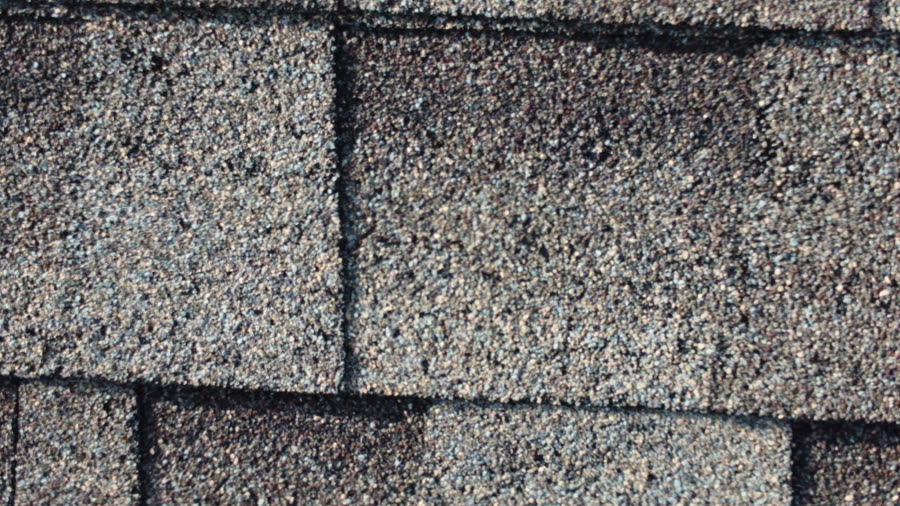
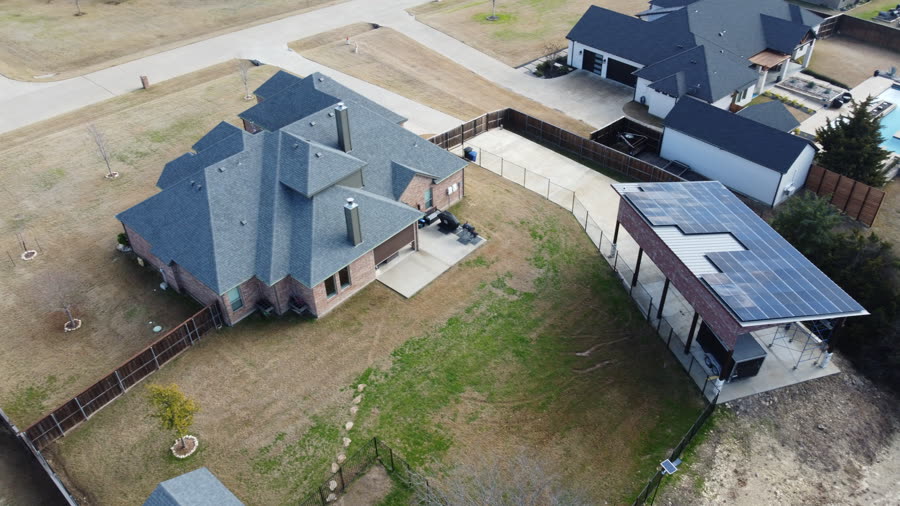
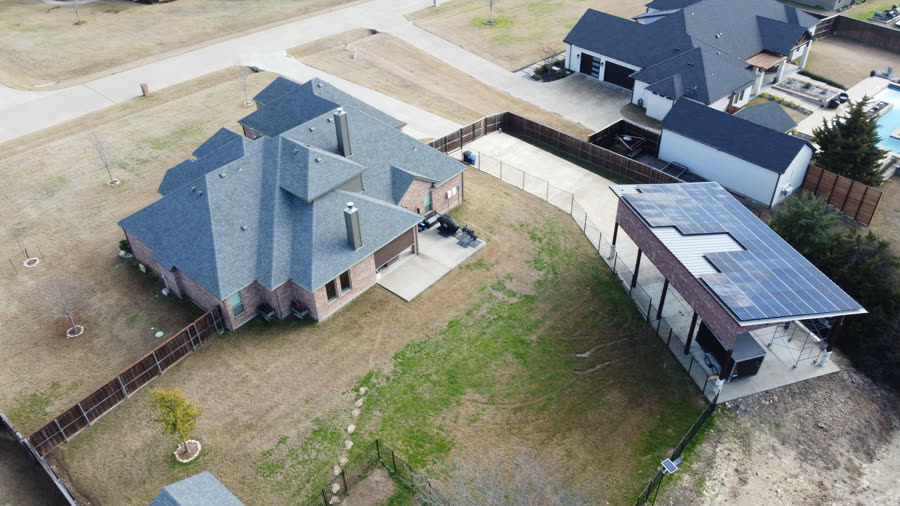
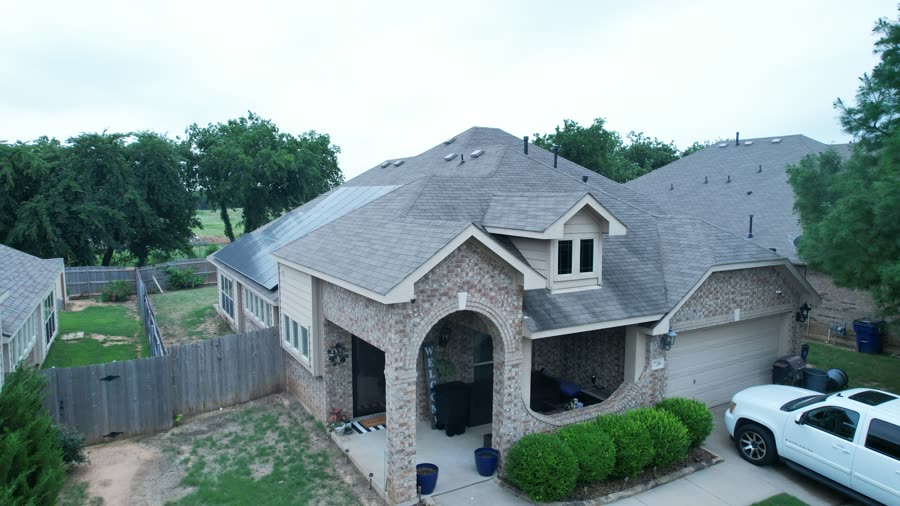
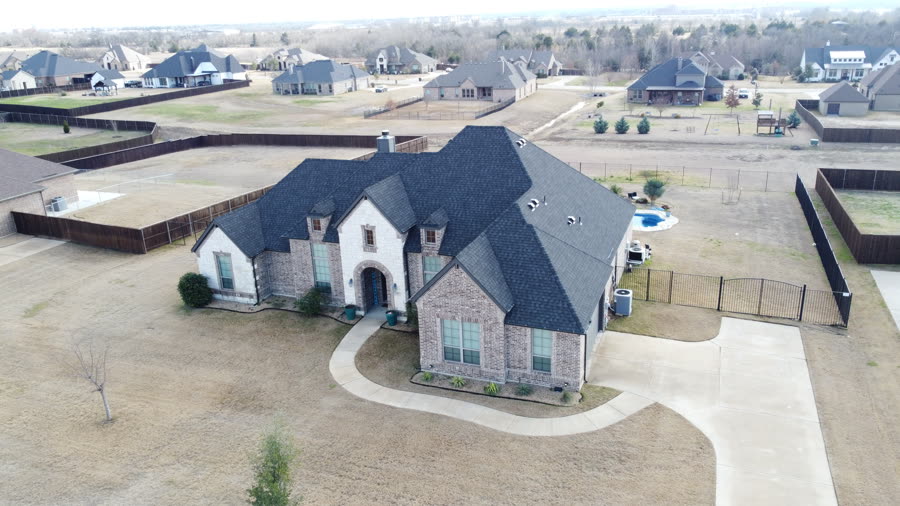
Every screenshot on the left side of these cards is a real photograph from your live production app, captured today on an iPhone-sized viewport. The right side is the proposed change. Nothing is hypothetical — these bugs reproduce right now at impactiqbeta.com/app. The interactive prototype below uses Savannah Douglas at 4205 Legacy Drive, Plano, TX 75024 as a fresh demo persona, with real DJI drone roof inspection photos pulled from your own 04_Inspections/Brad Inspection archive. Every button in the prototype is wired up — tap photos, hit the templates dropdown, switch Read/PDF, open the More menu, send an email, sign on the dotted line. Scroll down to "Try It Live".

Real screenshots from production captured today (May 3, 2026) Cards 2 (no Add to Report CTA), 4 (default certificate template), 5 (Describe the Job estimate language), 6 (Beautify menu), 7 (zoom controls) all use real captures from impactiqbeta.com. The interactive prototype below is the proposed AFTER state — fully clickable.
Total fixes proposed
9
3 critical · 4 important · 2 polish
Files I would touch
13
all on a feature branch first
Estimated time
2–3 days
incl. testing & review
Live test before deploy
Playwright
on a real iPhone-size viewport

Try It Live · Click-Through Prototype

Tap photos in the iPhone below — watch the sticky Add to Report bar slide up, hit it to land in the fixed scrollable editor with Polish, Read/PDF toggle, the template dropdown, the More menu, an email composer, and the Sign & Send signature pad. Every button works.

Customer
Savannah Douglas
Address
4205 Legacy Drive, Plano TX 75024
Photos
12 real DJI drone shots from 04_Inspections
Storm
May 1 hail event · Damage 87/100
Bug 2 demonstrated
Add to Report CTA
Bug 1 demonstrated
Scrollable preview
Bug 6 demonstrated
"Polish" rename
Bug 8 demonstrated
Undo / Redo arrows
Bug 7 demonstrated
Read / PDF toggle
Bug 4 demonstrated
Template dropdown
New flow
Email composer
New flow
Sign & Send

The 9 Bugs · Side-by-Side

1
The report preview won't scroll on a phone unless you tap "Edit" first
Critical Medium effort High risk
"The document preview does not scroll properly on mobile. The user can only work around it by tapping Edit, placing the cursor inside the editor, and then scrolling."
📱 What this means for your customer

Right now, when a contractor opens a generated storm-damage report on their phone, the document is frozen — they swipe up and nothing moves. Most people assume the app is broken and back out. The hidden workaround is to tap a tiny "Edit" button to wake up the scroll, which almost no one discovers.

After the fix: the report scrolls naturally with a thumb swipe, exactly the way email or a web page would.

▶ TODAY REAL SCREENSHOT
LIVE PROD
real screenshot
Frozen iframe — swipe does nothing
▶ AFTER MOCKUP
FIXED
9:41📶 100%
Storm Damage · Plano
DAMAGE ASSESSMENT
Customer: Savannah Douglas
Address: 4205 Legacy Drive, Plano TX
Date: May 3, 2026

Aerial inspection identified hail damage to north slope. Soft metals on gutters and vents show clear strikes from May 1 storm event...
✓ Scrolls naturally with thumb · view + edit
🎯 What "fixed" means
  • Open any report on iPhone or Android → swipe to scroll, no tricks
  • Works in view-mode and edit-mode → same gesture both times
  • Pinch-zoom still works → for fine-print review
2
Selecting photos has no "Add to Report" button — users get stuck
Critical Medium effort Low risk
"Inside Photos, the user can select photos, but there is no obvious button to actually add them to the report."
📱 What this means for your customer

Look at the real screenshot on the left. Header says "1 selected", the photo has a gold checkmark, the gold border lights up — and then nothing. The entire bottom half of the screen is empty. There's no button anywhere that says "do something with this." Users back out and try uploading again, double-uploading the same shots.

After the fix: the second a photo is selected, a gold "Add to Report" button slides up from the bottom and stays visible while they scroll. One tap and the photos drop straight into the report. (See the live prototype above — tap any photo to test.)

▶ TODAY REAL SCREENSHOT
LIVE PROD
real screenshot
No "Add to Report" button anywhere ↓
▶ AFTER MOCKUP
FIXED
9:41📶 100%
3 selected
+
3 selected
🎯 What "fixed" means
  • Pick photos, button appears immediately → no scrolling to find an action
  • Photos land inside the actual report HTML → embedded, not just attached
  • Selection clears on success → no accidental double-add
3
"Generate Report" dumps you in a raw browser tab instead of the editor
Important Small effort Medium risk
"User has to go backward, find the actual Damage Report, and regenerate from a different screen."
📱 What this means for your customer

On desktop, hitting "Generate" puts the report inside the editor — the user can immediately edit, sign, send. On mobile right now, "Generate" opens a brand new browser tab with raw HTML — no app chrome, no Edit button, no Sign & Send. Users assume the report is broken and back out.

After the fix: mobile behaves like desktop. Generate → land in the editor → edit, sign, send. The interactive prototype above shows what landing in the editor looks like.

▶ TODAY DIAGRAM
TODAY
9:41📶 100%
⚠ External tab
🔒 api.impactiqbeta.com/reports/abc/html
DAMAGE ASSESSMENT
Customer: Savannah Douglas
Date: May 3, 2026
Address: 4205 Legacy Dr, Plano TX 75024

Aerial inspection identified hail-related damage from May 1 storm event...
Orphan tab — no Edit, no Sign & Send
▶ AFTER MOCKUP
FIXED
9:41📶 100%
Storm Damage · S. Douglas
DAMAGE ASSESSMENT
Aerial inspection identified hail-related damage to the primary residence roof system at 4205 Legacy Drive, Plano...
📷 Photos ✨ Polish Sign & Send
✓ Lands in editor immediately
🎯 What "fixed" means
  • Generate → directly into editor → no extra screen, no orphan tab
  • Sign & Send button visible immediately → no hunting for it
4
Workspace silently defaults to "Certificate" when no template is specified
Important Small effort Low risk
"If the user selected Storm Damage Report, the output/editor should open directly into that report template."
📱 What this means for your customer

Look at the real screenshot — the top says "🏆 Certificate". The user never asked for a Certificate of Completion. The URL just lacked a template parameter, and the system silently picked the wrong template. The user opens it, sees a warranty certificate, and thinks they hit the wrong button.

After the fix: workspace either uses the template the user picked, or — when there's already a saved report — looks up its type and loads that. Try the dropdown in the live prototype above (Storm Damage / Damage Assessment / Full Inspection / Supplement / Certificate) — it works.

▶ TODAY REAL SCREENSHOT
LIVE PROD
real screenshot
"🏆 Certificate" — but user didn't pick this
▶ AFTER MOCKUP
FIXED
9:41📶 100%
⛈ Storm Damage · 4205 Legacy
User picked:
⛈ Storm Damage Report
✓ Loaded:
⛈ Storm Damage Report
Matches selection
🎯 What "fixed" means
  • Pick a template, get that template → no silent swap
  • Works from menu, push notification, or shared link → all entry points
5
Estimate language ("Describe the Job") shows up inside Report screens
Important Medium effort Medium risk
"For a report, the user expects: Lead, Photos, Damage type, Report template, Optional notes."
📱 What this means for your customer

Real screenshot on the left — that's impactiqbeta.com/app/reports right now. Header says "Describe the Job", subtitle says "AI builds claim-supplement line items, Xactimate pricing, and a scope-of-work document." The placeholder text reads "30sq tear-off and replace, 6:12 pitch, architectural shingles, 200lf gutters..."

That's all estimate language. A contractor on a damage report screen wants to summarize what they saw, not describe what they're going to build. After the fix: report screens say "Damage Summary" with a prompt that matches the contractor's mental model.

▶ TODAY REAL SCREENSHOT
LIVE PROD
real screenshot
Estimate language on a Report screen
▶ AFTER MOCKUP
FIXED
9:41📶 100%
Storm Damage Report
📝 Damage Summary
Add notes — AI will expand into the full report
✓ Matches report mental model
🎯 What "fixed" means
  • Report screens use report words → no estimate language leaking in
  • Smarter AI prompts → AI knows the user's intent
6
"Beautify" looks like leaked dev tooling in the production menu
Important Small effort Low risk
"The report editor/output looks unfinished, experimental, or like a developer/debug UI leaked into production."
📱 What this means for your customer

Real screenshot on the left — open the More menu in any report editor and you'll see "Beautify" as a button under STYLE & FORMAT. That's internal jargon (and the loading spinner says "Sonnet beautifying your document…" which leaks the AI model name). Customers see this and think they're in beta software.

After the fix: button says "Polish", spinner says "Polishing report…" — clean, on-brand, no internal terminology bleeding through. (See the bottom toolbar in the live prototype above — it already says "Polish".)

▶ TODAY REAL SCREENSHOT
LIVE PROD
real screenshot
"Beautify" in production menu
▶ AFTER MOCKUP
FIXED
9:41📶 100%
Tools
STYLE & FORMAT

Polish
T
Font & size
B
Bold
Polishing report…
🎯 What "fixed" means
  • No more "Beautify" or "Sonnet" in the UI → on-brand language
  • Debug panels hidden from production → visible only in dev
7
Replace the awkward zoom workaround with Read / PDF toggle
Polish Medium effort Low risk
"The zoom control is being used as a workaround for a layout issue."
📱 What this means for your customer

Real screenshot on the left — that's the workspace today. See the FIT/LETTER toggle and the −/100%/+ zoom controls? Today users have to zoom out aggressively just to read the report on a phone. It's a workaround, not a design.

After the fix: replace the zoom controls with Read / PDF view modes. Try the toggle in the live prototype above — Read mode shows phone-friendly text, PDF mode shows the print-accurate layout.

▶ TODAY REAL SCREENSHOT
LIVE PROD
real screenshot
FIT/LETTER + zoom = a workaround
▶ AFTER MOCKUP
FIXED
9:41📶 100%
Damage Report · 4205 Legacy
📖 Read 📄 PDF
DAMAGE ASSESSMENT
Customer: Savannah Douglas
Address: 4205 Legacy Drive
Date: May 3, 2026

Aerial inspection identified extensive hail damage to the primary residence roof system from the May 1 storm event...
🎯 What "fixed" means
  • Phone-friendly text by default → no zoom needed
  • PDF view for print accuracy → one-tap toggle
8
Add Undo / Redo to the report editor
Polish Medium effort Medium risk
"Reports are high-consequence documents. A user needs confidence that accidental edits, bad AI formatting, or layout glitches can be reversed."
📱 What this means for your customer

Reports go to insurance companies. There's currently no Undo button — once it's typed, it's typed. After the fix: Undo and Redo arrows in the editor toolbar (top right of the live prototype above), plus an automatic snapshot before AI Polish so users can roll back if the AI rewrite makes things worse.

▶ TODAY DIAGRAM
TODAY
9:41📶 100%
Editor
DAMAGE ASSESSMENT
Aerial inspection identified extensive hail damage at 4205 Legacy Drive...
✏ Edit
No way back from a bad edit
▶ AFTER MOCKUP
FIXED
9:41📶 100%
Editor
DAMAGE ASSESSMENT
Aerial inspection identified extensive hail damage at 4205 Legacy Drive...
✏ Edit ↶ Undo ↷ Redo
✓ Auto-snapshot before every AI rewrite
🎯 What "fixed" means
  • Undo / Redo arrows always visible → confidence to edit freely
9
Auto-open the only report when there's only one
Polish Small effort Low risk
📱 What this means for your customer

If a lead has exactly one report, the user shouldn't have to tap a list with one item to open it. Save them the tap.

Polish item — diagram-only mockup. Behavior change is logical, not visual.
🎯 What "fixed" means
  • One report → straight to editor → no list of one item